How stamps work
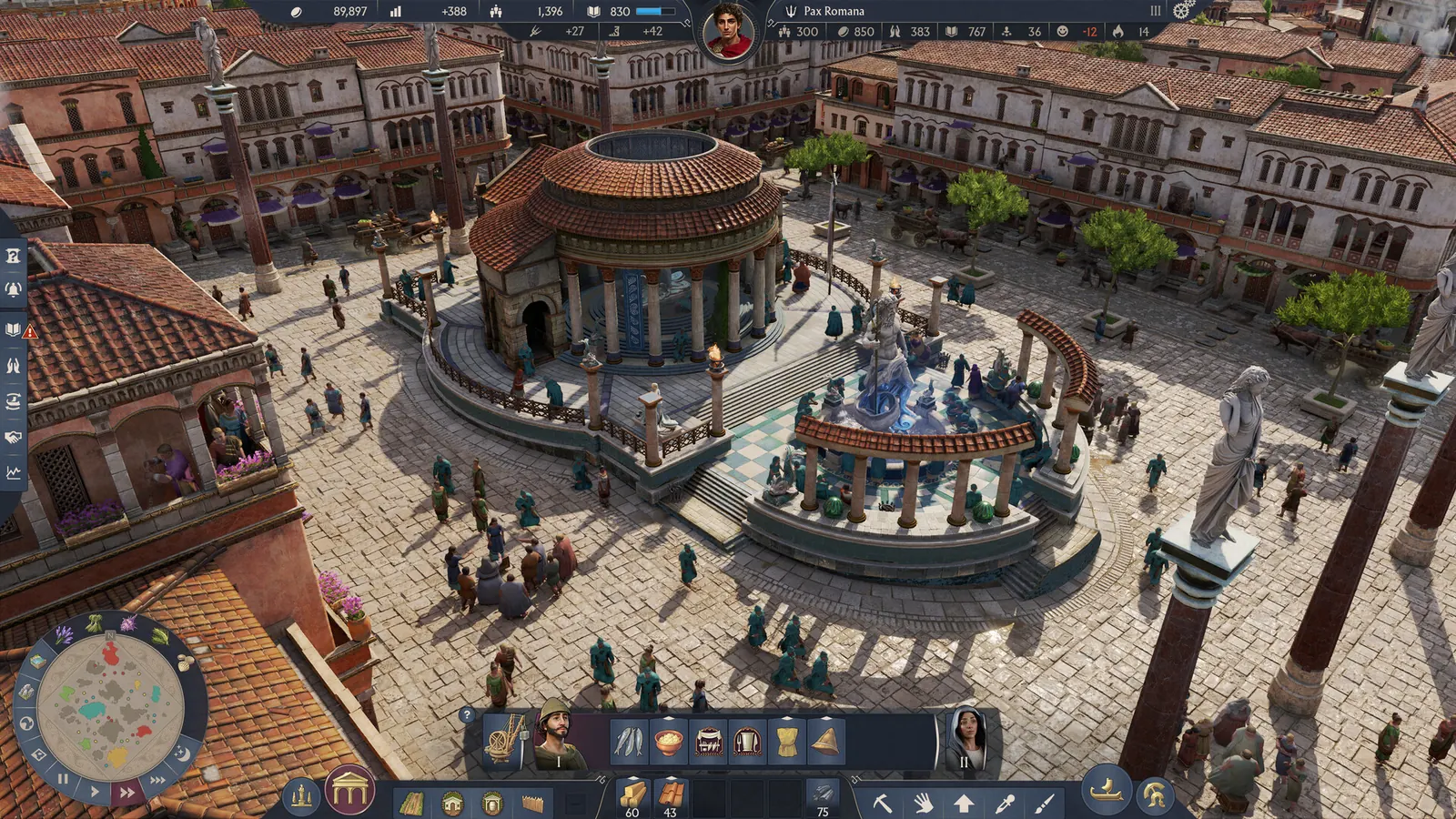
Update 3.0 replaced the plain copy tool with a stamp icon. Select an area, then either create the stamp immediately or edit it first: name, icon, folder. Every stamp you own appears in the build menu, and you can rename it or move the folder later.
Sharing on PC
Anno Union says PC players can move stamp folders in the file explorer. The file is not locked to an account. You can send it or drop in a layout someone else made. The exact subfolder under Documents was not printed in the patch note. Look inside the Anno 117 – Pax Romana documents folder on your own PC. I am not inventing a path.
Why the AnnoStamps how-to is the wrong map
annostamps.com’s how-to still tells you to open C:/Users/…/Documents/Anno 1800/stamps and then pick Enbesa, Arctic, New World, or Old World. Those are 1800 regions. Following that path will not show 117 stamps. Use it only as a gallery, and check the date on any file before you trust a production ratio from it.
- Select the area with the stamp tool.
- Name it and choose an icon.
- Put it in a folder you will recognise after the next DLC.
- On PC, copy that folder to share it. On consoles, the patch note does not describe a file export.
Questions
Do stamps work on old saves?
Yes. Update 3.0 shows a prompt about new tools when you load an older save.
Is there an official stamp website?
AnnoStamps exists, but its how-to page still documents Anno 1800. The in-game tool is the 117 feature.
Sources
Checked 2026-11-06.