Camera and first person
Polygon’s first-person article is the control source. On PC, hold Ctrl, Shift, and R together. On a controller, the article describes a sequence of up, down, left, right plus the right-side button, and the exact face buttons differ by platform. Exit is Esc on PC, a held B on Xbox, and a held Circle on PlayStation.
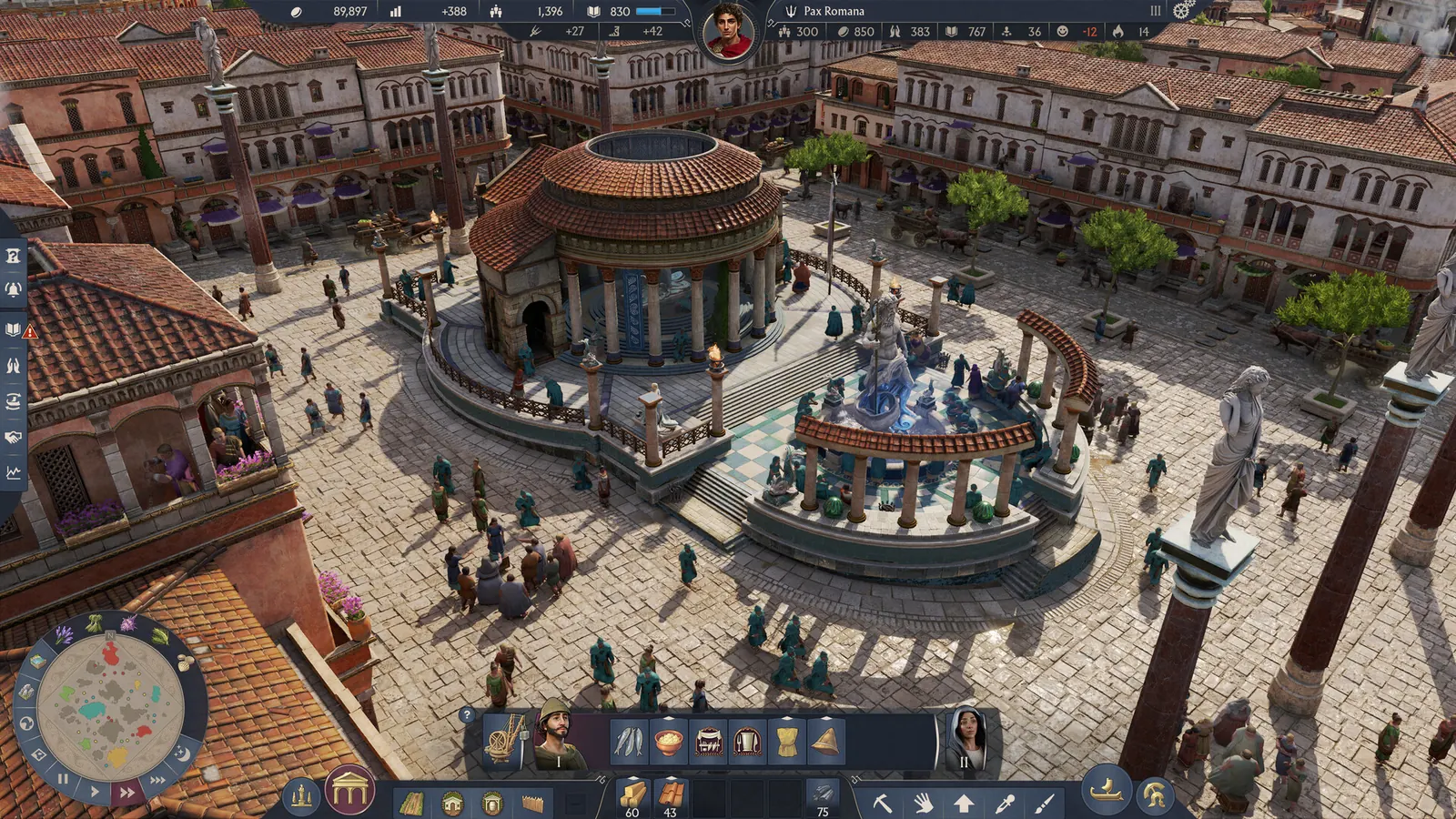
While you are still in the third-person walker, 1, 2, and 3 on PC change outfits. Xbox uses LB and RB. PlayStation uses L1 and R1. That outfit row is easy to miss because it only exists after you are already on foot.
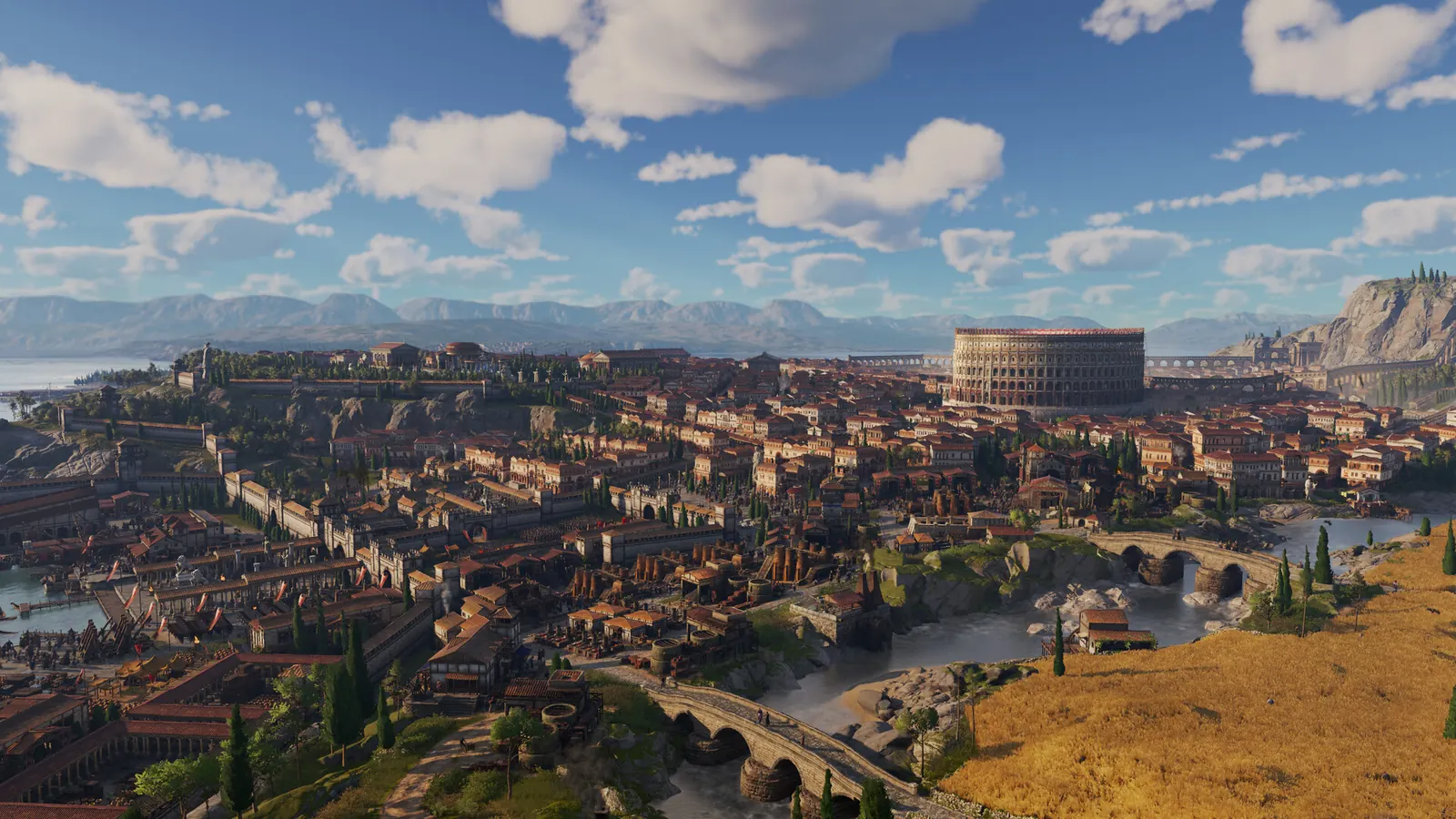
“Zoom out more” does not match a published slider for an unlimited camera. What did change in Update 3.0 is photo mode: some camera limits were removed, the camera can move through buildings, and Ctrl+H hiding the UI works in photo mode again. Use photo mode when the normal zoom stops. I am not promising a further step beyond that patch.
Questions
How do I enter first person on PC?
Ctrl+Shift+R together. Esc leaves.
Can I zoom out further than the default?
No extra official zoom limit was documented. Photo mode in Update 3.0 is the camera change that was.
Sources
Checked 2026-11-06.